Can interviewers detect this during screen sharing?
+−
Our software is designed to be completely undetectable to interviewers and proctored assessments:
- Invisible to Zoom (≤6.16) and any browser-based screen recording software
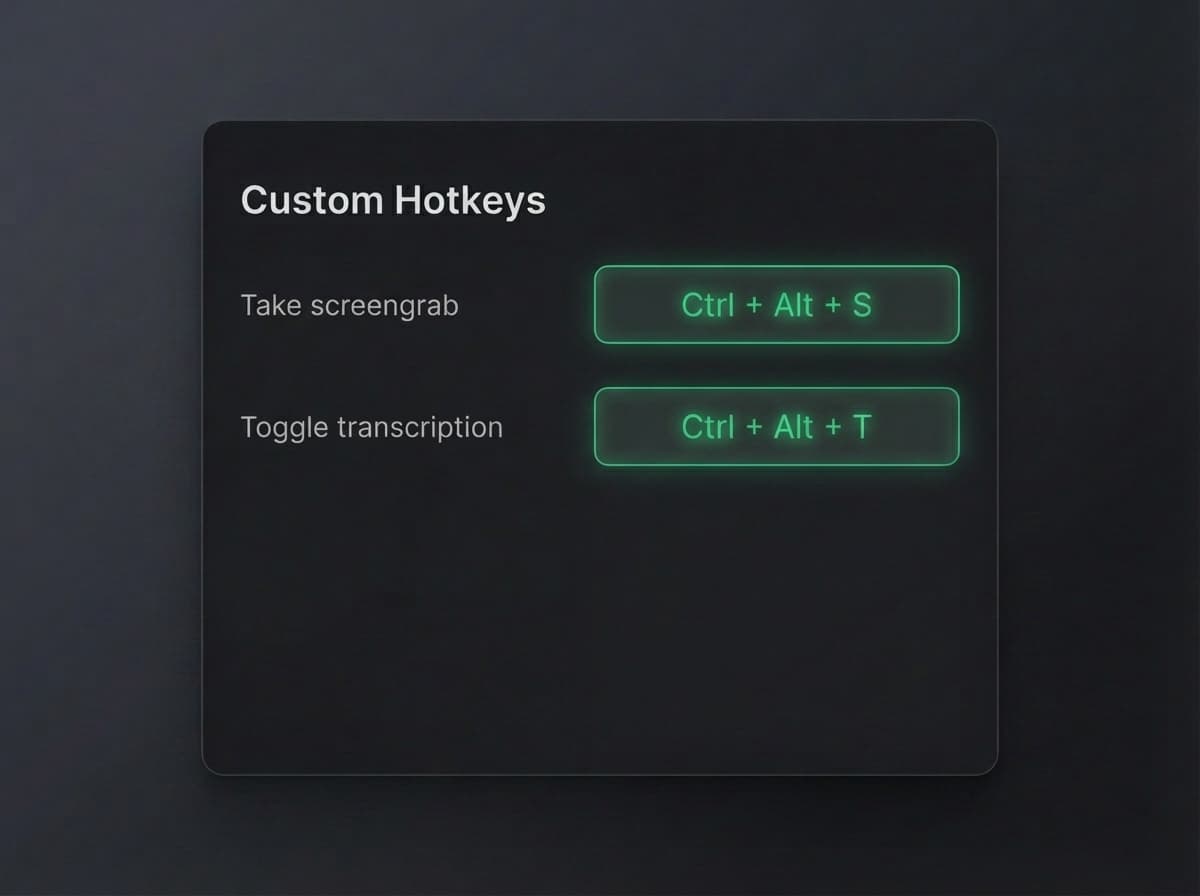
- Undetectable global keyboard commands that can't be detected as input by the browser
- Moveable screen using cmd + arrow keys so your eyes aren't looking away from the solution as you write your code.
What makes Interview Solver different from other interview tools?
+−
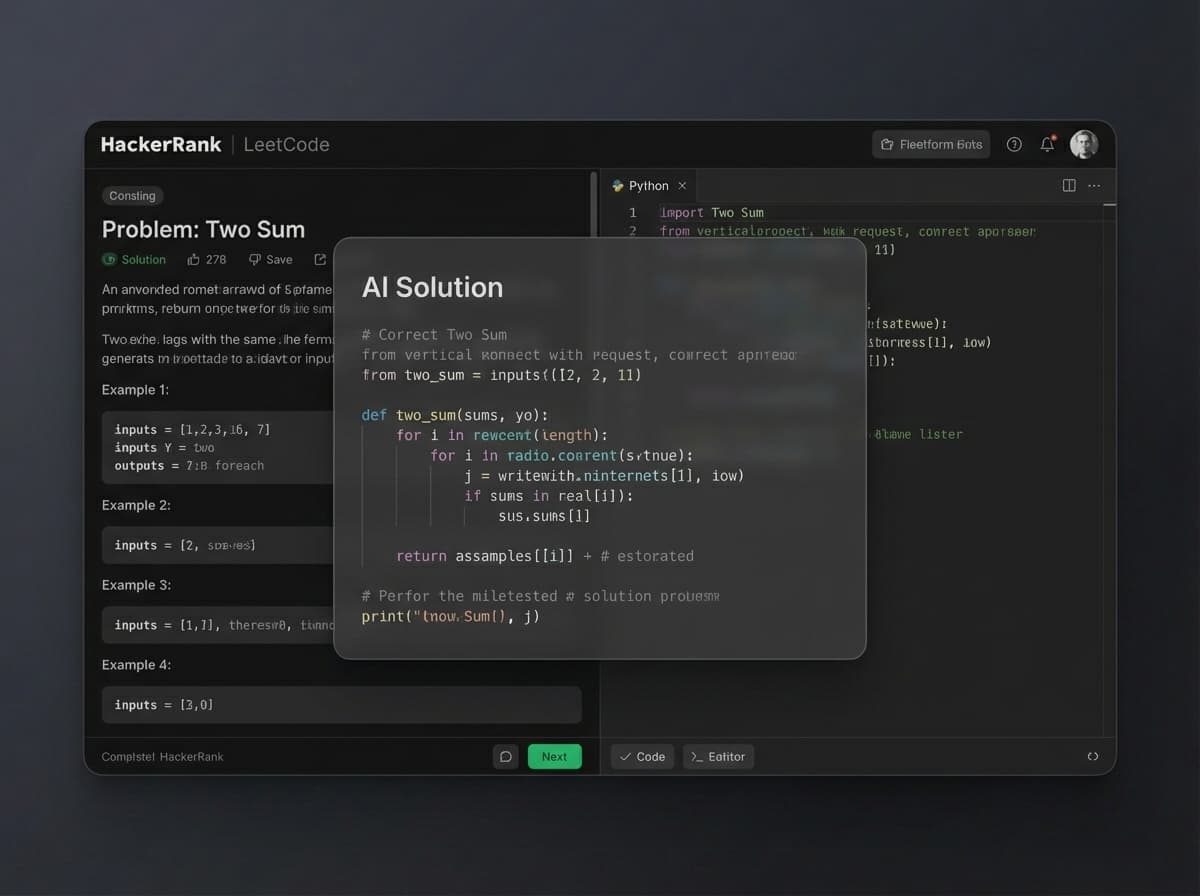
Interview Solver is optimized for coding interviews. Our training data includes the entire set of all LeetCode questions, and we have syntax highlighting and flowchart / system design diagrams.
Other tools that are chrome extensions also can't be used while sharing your screen, and will be flagged for suspicion if you interact with them during an interview.
When should I use the desktop app?
+−
Interview Solver Mobile works on your phone without an installation. For screen capture and global keyboard controls, use the desktop app. Being a desktop app lets you control your AI copilot with global hotkeys, regardless of which window has focus. This means you can continue with your normal interview workflow and get answers without alt tabbing or flagging suspicious behavior.
Interview copilots that are chrome extensions can't be used in live coding interviews where you have to share your screen. This severely reduces their usefulness in real interview scenarios.
Can I use Interview Solver on my phone without the desktop app?
+−
Yes. Open interviewsolver.com/mobile in your phone browser, sign in, and tap Start listening. Interview Solver Mobile transcribes sound through your phone microphone. Tap Get answer for a response to the latest question in your selected recent audio. It supports any topic, including non-coding conversations.
Read the Interview Solver Mobile guide.How is Interview Solver Mobile different from Companion mode?
+−
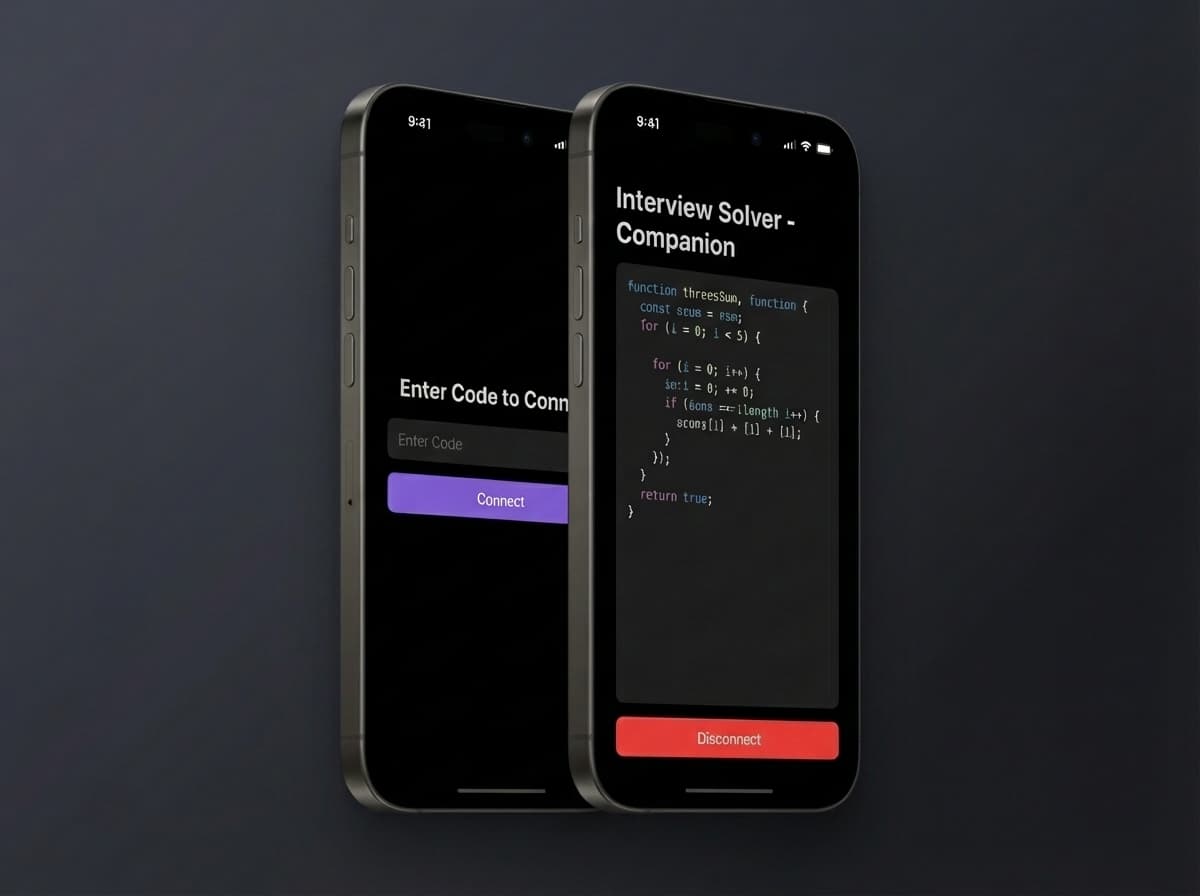
Interview Solver Mobile works independently on your phone, using its microphone for transcription and answers. Companion pairs with the desktop app to mirror responses and provide remote controls. Both remain available as separate options.
Read the Interview Solver Mobile guide.Does Interview Solver Mobile capture phone calls or work in the background?
+−
Interview Solver Mobile captures sound around your phone through its microphone. It does not directly capture phone system audio or audio inside another app. Keep the page open and your phone unlocked. Leaving the page pauses listening; return and tap Start listening to resume. The free-trial timer continues while paused.
Read the Interview Solver Mobile guide.Can I try it before purchasing?
+−
Yes. The desktop app includes 10 free messages. Interview Solver Mobile has a separate, one-time trial of 10 minutes and 10 answers per account, whichever comes first, with no credit card required. Its timer starts when you first start listening and continues through pauses and reloads. When the trial ends, subscribe to continue transcription and answers.
How does Interview Solver pay for itself vs. missing job opportunities?
+−
The average software engineer salary increase from a successful job change is $30,000-$100,000+. Missing out on even one offer could cost you hundreds of thousands over your career. Interview Solver's payment pays for itself many times over if it helps you land just one additional offer.
What do I save compared to traditional interview coaching?
+−
Traditional interview coaching services cost $200-$500 per hour, with most candidates spending $2,000-$10,000+ on preparation. Interview Solver offers a plan that gives you unlimited access to AI-powered interview assistance, saving you thousands compared to ongoing coaching fees.
What undetectability features does Interview Solver include?
+−
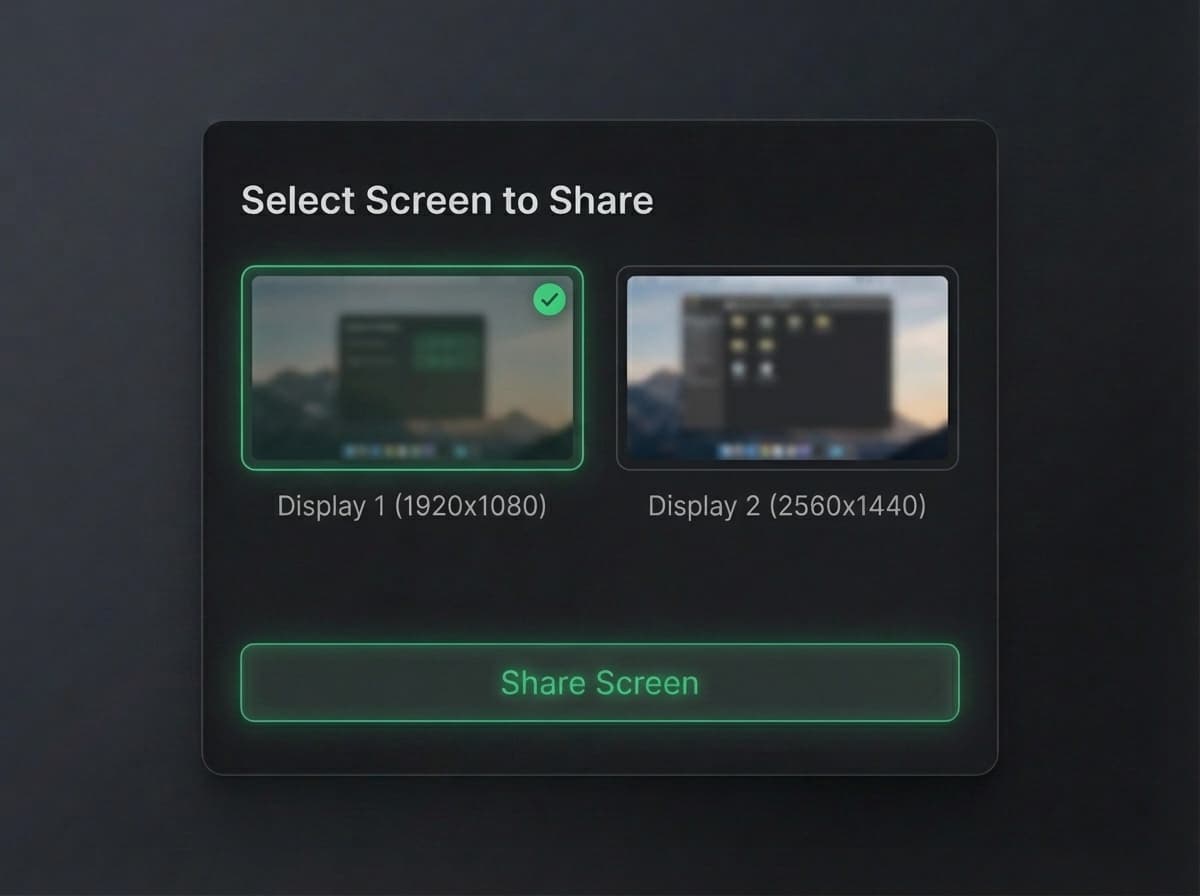
Our undetectability features include: invisible overlay on Zoom ≤6.16, global hotkeys that bypass browser detection, moveable window positioning, screen-share safe operation, no browser extensions required, customizable transparency, multi-monitor support, audio input support, companion mode with remote controls, and many more stealth features designed specifically for live interview scenarios.
Does Interview Solver work when HackerRank tracks hotkeys?
+−
HackerRank runs some interviews through a downloadable tool that can log keyboard shortcuts on your computer. Most AI interview tools only work via local hotkeys, so those presses show up in the log. Interview Solver Companion mode includes remote controls—screenshot, voice toggle, and prompts from your phone or tablet—so you can run the session without pressing tracked hotkeys on the interview machine. Competitors without companion remote controls don't have that option.
Can Interview Solver listen to interview questions via audio?
+−
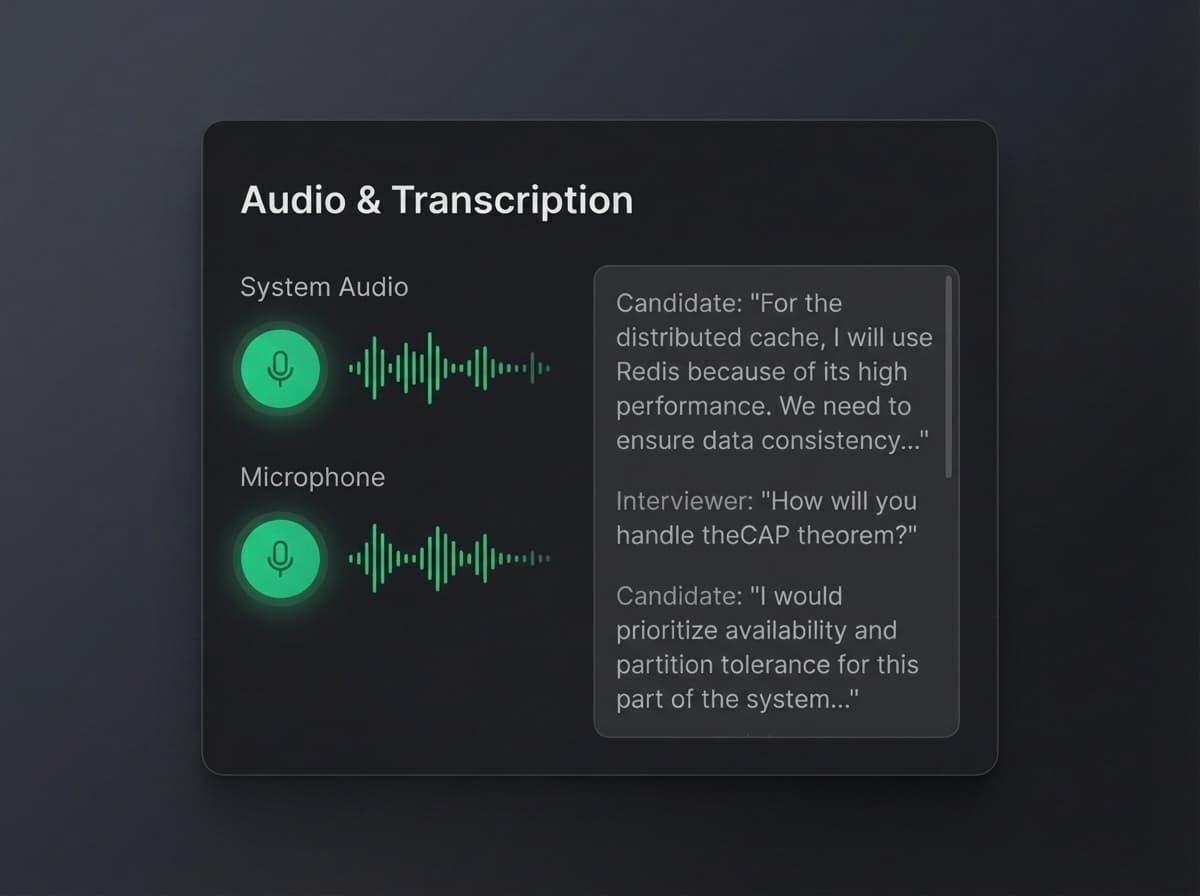
Interview Solver can process audio from your interview in real-time. Simply enable audio input, and the AI will listen to interview questions and discussions, providing contextually relevant answers and suggestions. This works seamlessly alongside screen sharing and coding exercises.
Is Interview Solver compatible with Zoom, Teams, and Google Meet?
+−
Yes, Interview Solver is regularly updated to work with the latest versions of popular interview platforms including Zoom (up to 6.16 with full invisibility), Microsoft Teams, Google Meet, and browser-based platforms. Our desktop app architecture ensures compatibility across all screen-sharing scenarios.
How does Interview Solver compare to hiring an interview coach?
+−
Interview coaching can cost thousands of dollars with limited availability and variable quality. Interview Solver provides 24/7 access to AI-powered assistance trained on all LeetCode problems and real interview scenarios. You get instant, accurate answers during actual interviews, not just practice sessions. Plus, it's a subscription instead of hourly rates.
Have any users been detected while using Interview Solver?
+−
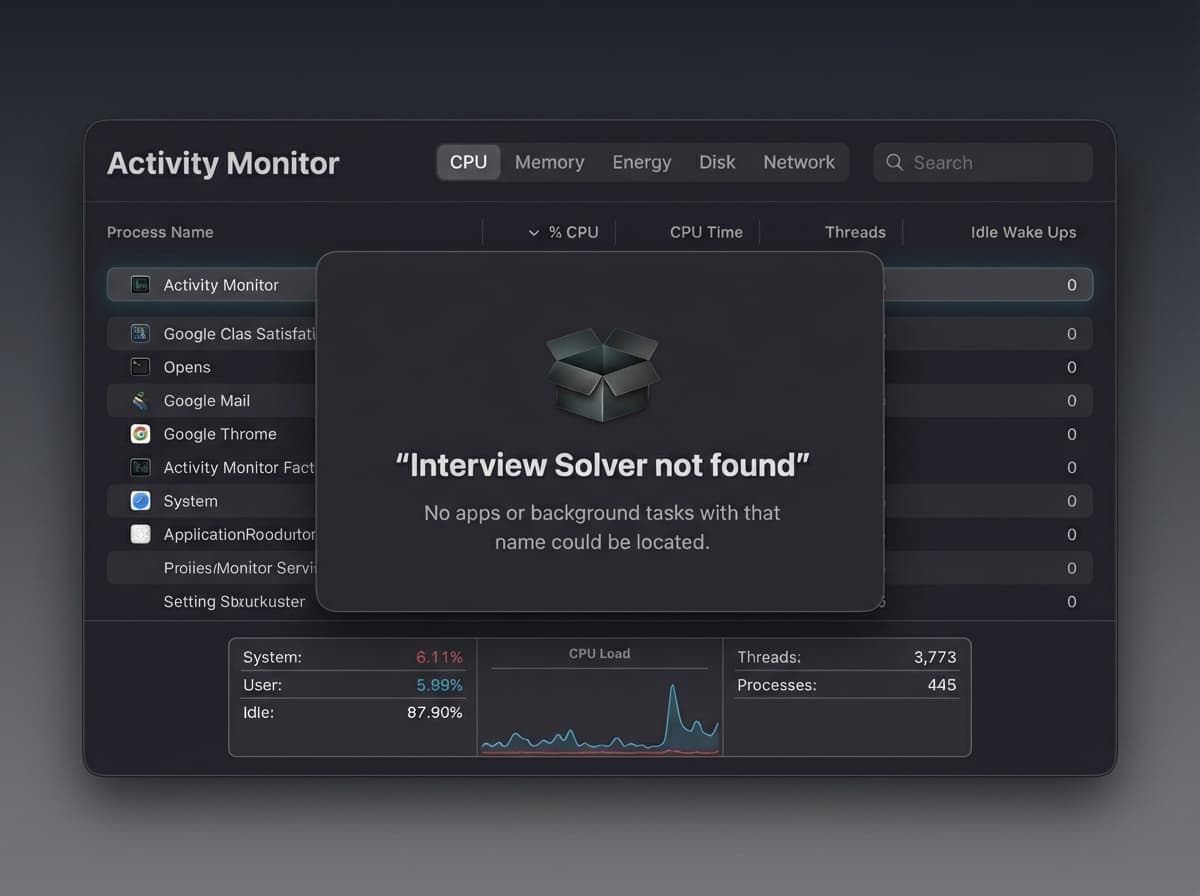
No. Interview Solver is designed with multiple layers of undetectability specifically to prevent detection. Our invisible overlay, hidden process name, global hotkey system, and desktop app architecture make it virtually impossible to detect during screen sharing. Thousands of users have successfully used Interview Solver in real interviews without any detection issues.
Which AI interview assistant is best for software engineers?
+−
Interview Solver is specifically designed for software engineering interviews in 2026. Unlike general AI assistants or browser extensions, it offers complete undetectability during screen sharing, training on all LeetCode problems, syntax highlighting, flowchart generation, and audio support. Our desktop app architecture and global hotkeys make it the most practical solution for real interview scenarios.
Can I pass FAANG interviews without memorizing LeetCode?
+−
Interview Solver provides real-time AI assistance during your actual interviews, trained on the complete LeetCode question bank. Instead of memorizing hundreds of problems, you get instant access to optimal solutions, explanations, and approaches during the interview itself. This means you can focus on communication skills and problem-solving discussion rather than rote memorization.
How do I cancel my subscription?
+−
Sign in, go to your
account, and click
Manage Subscription to open Stripe's billing portal. Turn off auto-renew to cancel. You keep access until the end of your current paid period. See our
Refund & Cancellation Policy for full details.
What is your refund policy?
+−
Paid subscription fees are generally non-refundable, including unused time after you cancel. We may approve a refund only when the product does not work on your system—contact support via the site footer with a screen recording showing the issue. Read the
Refund & Cancellation Policy.